Tutorial 01
Review a contract end-to-end
A complete walkthrough of the @contract_review handle — from client upload to redlined delivery.
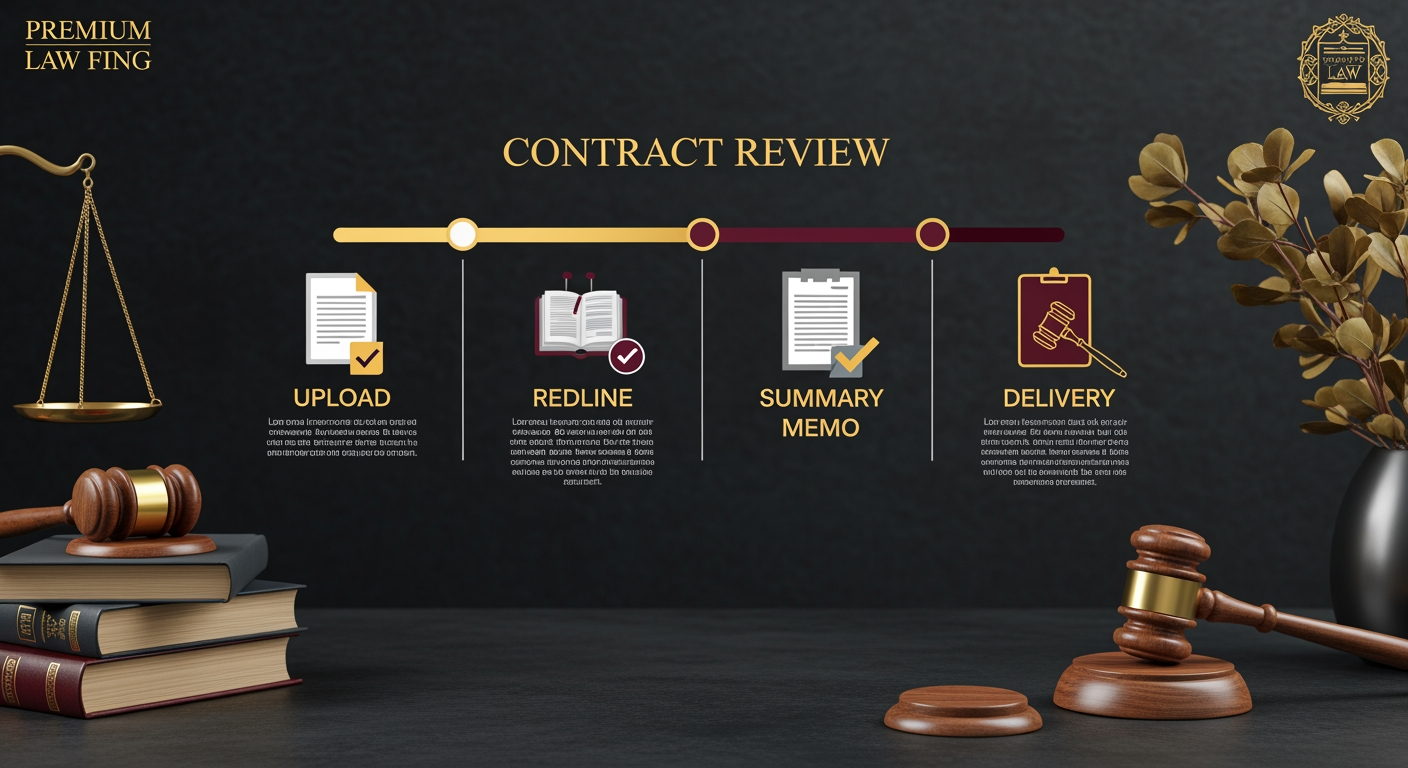
Step 1 · Publish the handle
On your legal bot, run /publish_handle bp-law-contract. The bot confirms:
Handle @contract_review published on your bot.
Public URL: https://biznode.1bz.biz/h/contract_review
Cost: 8 DZIT per invocation.
Step 2 · Client intake
Bot: Upload the contract (PDF or DOCX).
User: [uploads saas-agreement.pdf]
Bot: Contract type? (NDA / SaaS / Employment / Partnership)
User: SaaS
Bot: Specific concerns or focus areas?
User: Liability cap + IP ownership
Bot: 8 DZIT. Confirm? [Pay] [Cancel]
Step 3 · Payment & ticket
Client taps Pay. DZIT splits 70% (you) / 20% (referrer) / 10% (protocol). You receive a Telegram ticket with the file, the client's focus areas, and a time-stamped chain-of-custody record for privilege purposes.
Step 4 · Review & redline
You open the contract in your preferred redline tool, flag issues against the client's stated concerns, produce a marked-up version and a one-page summary memo.
Step 5 · Deliver
Close the ticket: /deliver <submission_id> <redlined.docx> <memo.pdf>. The bot pushes both files to the client, marks the submission delivered, and archives the engagement hash for future conflicts checks.